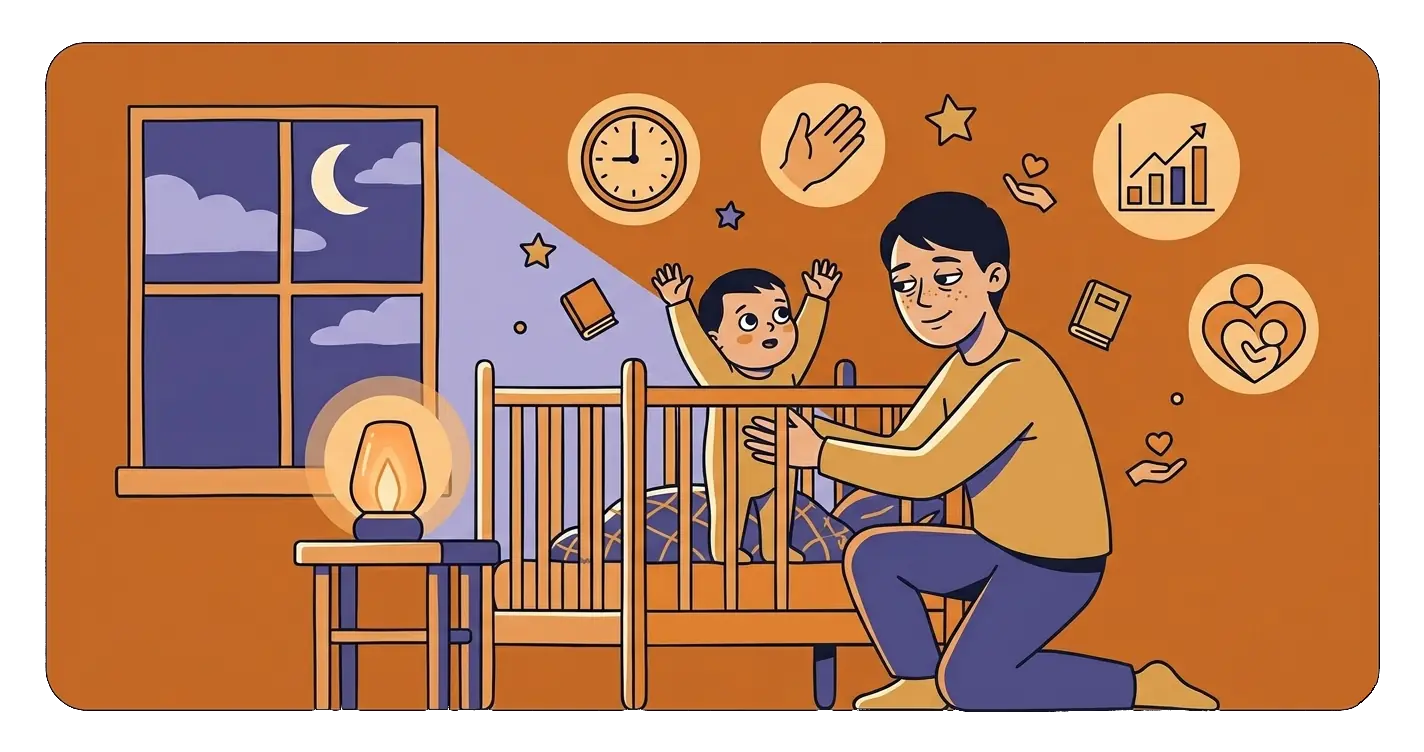
An evening cartoon, game, or chat doesn't always lead to sleep issues. However, the timing of device use, type of content, child's level of stimulation, location of screen use, and whether media delays bedtime are important. Instead of searching for a single 'magic' limit, it's worth examining the entire evening and setting rules tailored to your child's age and needs.
How Screens Can Affect Your Child's Sleep
Research indicates a link between screen media use and later sleep onset, shorter sleep duration, and poorer sleep quality in children and teens. This doesn't mean every screen interaction causes insomnia. The relationship can work both ways: devices can hinder sleep, but children who already have trouble sleeping may also reach for them more often [3].
Three main mechanisms primarily affect evening sleep.
Light Emitted by the Screen
Evening light can weaken the biological signal that informs the body night is approaching. Factors include screen brightness, distance from the face, exposure time, and usage timing. A small, bright phone held close to the eyes can be more burdensome than a dimmed TV watched from a greater distance.
Night mode, warmer colors, and lower brightness can reduce some light exposure, but do not eliminate other causes of stimulation. A light filter won't make an exciting game neutral for falling asleep.
Stimulating Content and Interaction
Dynamic films, games, short clips, notifications, and social media conversations can maintain alertness. The child continues to anticipate, react, compete, or experience emotions related to the storyline. Particularly engaging are contents that require clicking and decision-making.
It's important to assess not only if the child is looking at a screen, but also what they are doing, how they react afterward, and if they can calmly transition to the next evening stage. The American Academy of Pediatrics emphasizes the importance of content quality, shared media use, and its place in family life [1].
Lost Sleep Time
The simplest mechanism is often the most important: the screen takes up time meant for sleep. Another episode, round, or message can delay bedtime, even if the child later falls asleep without much difficulty. If the morning wake-up time remains fixed, the total sleep time shortens.
Media can also displace a calm routine, daytime activity, caregiver contact, and other activities supporting a healthy circadian rhythm. In AAP recommendations, the screen is assessed in a broader context: it should not replace sleep, physical activity, or family relationships [2].
Is There a Single Right Screen Break Before Bed?
There is no single interval that guarantees good sleep for every child. Needs depend on factors such as age, sensitivity to stimuli, type of content, existing habits, and current sleep difficulties.
A practical solution is setting a consistent time to end screen use, leaving time for a calm routine. In many homes, this means about an hour before bed, but this should not be treated as a universal prescription. One child may need a shorter transition, while another may require a longer period without intense stimuli.
More important than a rigid number of minutes are the following questions:
- Does the screen delay bedtime?
- Is the child stimulated or irritable after turning it off?
- Do they use the device in bed or after waking at night?
- Is the content calm, age-appropriate, and watched with a caregiver?
- Does the child regularly get enough sleep?
Rules Tailored to the Child's Age and Situation
Media recommendations change as the child develops. For infants and toddlers, direct caregiver contact, movement, play, and sleep are priorities. If a young child uses media, the content should be high-quality, age-appropriate, and — aside from video calls — best viewed with an adult. For older children and teens, consistent boundaries, content safety, and ensuring media do not displace sleep and daily responsibilities become more significant [5].
Instead of focusing solely on the number of minutes, it's worth creating a family media use plan. It should consider the child's age, developmental needs, time of day, type of activity, and device-free zones.
What to Set Up at Home in the Evening
Consistent Screen End Time
Set a time after which the phone, tablet, computer, console, and TV are no longer used by the child. It's best to link it with the next fixed evening point, like a bath or pajama preparation. Predictability usually limits negotiations more effectively than daily discussions about whether to watch another episode.
Device-Free Bedroom
A phone or tablet left by the bed increases the likelihood of late use, checking notifications, and reaching for the screen upon waking. Devices should be charged outside the bedroom, and a traditional alarm clock can replace the phone alarm. AAP recommends designating media-free zones, including the bedroom, and supporting a regular sleep routine [4].
No Background TV
Even if the child isn't directly watching TV, sounds and changing images can hinder relaxation. During bath time, reading, and falling asleep, it's best to turn off nearby devices.
Calmer End to the Day
After putting screens away, a short, repeatable sequence works well:
- calm play or conversation;
- washing and pajamas;
- dimmed lights;
- book or storytelling;
- goodnight and lights out at a similar time.
The routine doesn't have to be elaborate. What's more important is that it can be repeated even on more challenging days.
Device Settings: Helpful but Not Enough
If a child uses a device in the evening, some stimuli can be reduced through technical settings:
- enable automatic night mode and warmer colors;
- set the lowest comfortable brightness;
- turn off notifications, autoplay, and message previews;
- apply a time limit or app lock at a set time;
- avoid loud sounds and headphones right before sleep;
- turn off the device after the planned activity ends.
These settings supplement rules regarding the timing, content, and location of screen use. They do not replace adequate sleep or a calm routine.
How to Limit Evening Screens Without Constant Conflict
A child used to watching or playing before bed may protest when the rule changes. Calm forewarning and a consistent plan help. You can say: “In the evening, we put the screen away before the bath to have time for a book and rest”.
If a sudden change causes significant tension, the end time can be gradually shifted while introducing an attractive but calm alternative. Consider:
- announcing the end a few minutes in advance;
- ending use after a natural point, like after an episode, not in the middle;
- not turning the device back on during the routine or after night waking;
- applying similar rules to all household members, as much as possible;
- avoiding using the screen as a reward for going to bed.
Immediate improvement shouldn't be expected. Changing a habit takes time, and sleep difficulties may have causes other than media.
How to Check if the Change Helps
For several days, you can keep a simple note including:
- screen use end time;
- type of content viewed or activity;
- bedtime and approximate sleep onset time;
- night awakenings;
- wake-up time and morning mood.
During this time, it's best not to change many elements at once. This makes it easier to assess whether earlier device shutdown or avoiding specific content is associated with calmer sleep onset. Such observation doesn't replace a diagnosis but can provide useful information during a doctor's consultation.
When to Consult a Doctor or Specialist
Sleep problems don't always stem from screen use. Contact a pediatrician if difficulties persist, worsen, or affect the child's functioning despite a regular routine. More urgent evaluation is needed especially for:
- loud, regular snoring, breathing pauses, choking, or noticeable breathing effort during sleep;
- significant daytime sleepiness, falling asleep during daily activities, or difficulty waking the child;
- persistent sleep onset problems or frequent awakenings that worsen learning, behavior, or mood;
- strong bedtime anxiety, nightmares related to viewed content, or noticeable mood deterioration;
- nighttime device use that the child or teen cannot control;
- sudden and unexplained change in sleep rhythm.
Depending on the symptoms, the pediatrician may suggest further evaluation, such as with a sleep medicine specialist, child psychologist, or child and adolescent psychiatrist.
Summary: Key Evening Rules
- Don't look for a single limit suitable for all children.
- Assess the timing of use, content quality, interaction level, and child's reaction.
- Set a fixed screen end time that leaves time for a calm routine.
- Remove phones, tablets, and TVs from the child's bedroom.
- Turn off background TV and evening notifications.
- Remember that night mode doesn't neutralize stimulating content or lost sleep time.
- Ensure media doesn't replace sleep, exercise, and contact with loved ones.
Frequently Asked Questions
Should a child put away the screen exactly an hour before bed?
This is not a universal boundary. About an hour can be a practical starting point for some families, but more important is the child's reaction and whether there's enough time to unwind. If the child remains stimulated long after screen time, it's worth ending use earlier or changing the type of content.
Is a calm cartoon before bed safe for sleep?
It may be less stimulating than a dynamic game, but it still emits light, engages attention, and can delay bedtime. The child's age, content, viewing duration, and ending method matter. A book or storytelling without a screen usually better supports the transition to sleep.
Does night mode solve the blue light problem?
Night mode changes the image color and may reduce some evening light exposure. However, it doesn't remove stimulation from the storyline, game, notifications, or interaction. It also doesn't prevent bedtime delays.
Can a phone stay in the child's room if the internet is off?
It can still tempt with saved materials, games, or checking the time. It's simplest to charge the device outside the bedroom. If the phone serves as an alarm clock, consider a separate clock.
What to do if a child demands the phone after waking at night?
Try not to turn on the screen. Use the same calm response as for other awakenings: dimmed light, brief presence, soft voice, and return to bed. If awakenings are frequent, long, or accompanied by concerning symptoms, discuss the situation with a pediatrician.
Sources
- American Academy of Pediatrics, Media and Young Minds, 2016, with later updates.
- American Academy of Pediatrics, Screen Time Guidelines.
- Scientific review on the relationship between screen media and children's and adolescents' sleep, Youth Screen Media and Sleep.
- American Academy of Pediatrics, Healthy Sleep Habits.
- American Academy of Child and Adolescent Psychiatry, Screen Time and Children.